.png)

Subscribe to newsletter
Subscribe to receive the latest blog posts to your inbox every week.

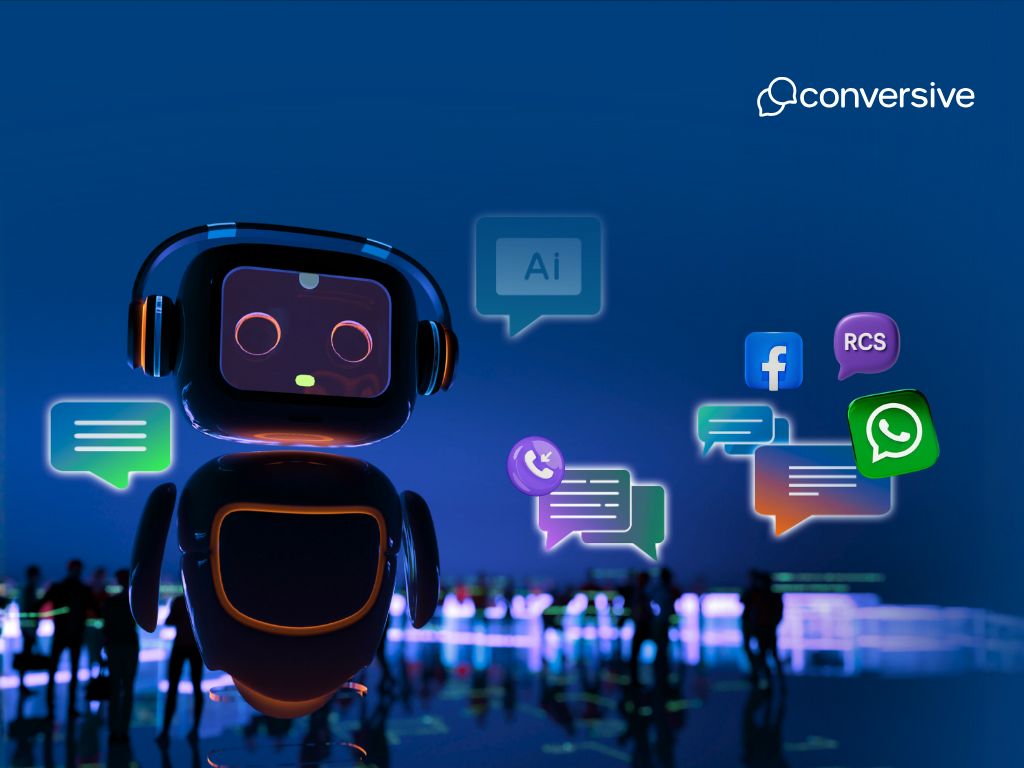
If you work in healthcare, education, law, or finance, you’ve likely felt the pressure: too many inquiries, too few hands, and too many hours lost on follow-ups, reminders, or repeat questions. Customers expect fast, personal responses even when your team is offline. But speed without compliance, or scale without context, creates more risk than relief.
Chatbot automation solves this problem by taking routine conversations off your plate and keeps the important ones on track without losing the clarity, consent, or care your work demands.
In this article, we’ll discuss how chatbot automation works, which types of bots actually hold up in professional settings, and what it takes to build one that doesn’t feel like a script.
Chatbot automation uses software to run conversations that would normally require a person. These bots can answer questions, collect information, confirm details, or guide users through specific steps automatically, across messaging channels like chat, SMS, or WhatsApp.
A chatbot can be powered by simple rules or by artificial intelligence. Rule-based bots follow fixed logic: “If the user says this, respond with that.” AI-powered bots go further.
They use Natural Language Processing (NLP) to understand what someone means, even if it’s phrased in different ways. Machine learning helps these bots improve over time, while decision logic controls when to route a message, send an alert, or trigger a CRM action.
The value is clear: bots save time, increase consistency, and allow you to respond around the clock. For regulated industries, they also reduce risk ensuring compliant messaging and predictable workflows at scale.
Here are key capabilities of chatbot automation:
Different bots solve different problems. Some are built for speed. Others for flexibility. What matters is how well they handle the task, and how reliably they fit into your workflow:-
These bots guide users through fixed options, usually buttons or predefined replies. They’re useful for FAQs, simple bookings, or workflows where the user journey is linear and known in advance.
These operate on basic logic. The bot listens for specific keywords or phrases and responds accordingly. They’re fast to set up and easy to control but limited to predictable inputs.
These bots parse natural language to detect intent and context. They’re designed for unstructured conversations such as support questions, lead qualification, or open-ended inquiries where inputs vary and need interpretation.
These combine rules with AI. Use them when you need structured flows that can also handle edge cases, clarify intent, or escalate smoothly when things go off script.
They listen and speak. Used in IVRs, virtual assistants, or call-based systems, they handle hands-free interactions and respond in natural language.
These are built for utility such as checking order status, confirming appointments, collecting forms. They're connected to back-end systems and optimized for speed and accuracy.
These use large language models to generate fluid, human-like replies. Ideal for scenarios that demand flexible, high-context conversation without requiring a human in the loop.
Here’s a quick summary of all the chatbots discussed above:-
If you're automating conversations around workflows such as support, onboarding, intake, reminders, your bot needs more than a script. It needs structure, context, and logic.
Follow this process to automate chatbots:-
Define the job the bot needs to do. What problem are you solving, and who’s on the other end? This step is about identifying the specific questions, tasks, or moments that can be automated without losing value.
Best practice: Start narrow. One high-value use case beats five generic ones.
Choose a platform that fits your actual workflow, not just your budget. Look for support for your existing systems (like CRMs), built-in compliance controls, and the ability to route messages or escalate without hacks. No-code tools are great until you hit your first complex edge case.
Best practice: Don’t separate your bot from your CRM. That’s where your context lives.
Map each flow, including what happens when the bot doesn’t get it right. Clarify the paths: what’s automated, what’s handed off, and what data needs to move between systems. Avoid creating long-winded flows that mimic forms. Keep it natural, but structured.
Best practice: Design for failure first. Fallbacks are where most bots break.
If your use case involves natural language or needs to respond based on real-time data, add NLP and connect to your source systems. Bots should pull from your CRM, not ask users for info you already have. That’s where AI stops being generic and starts being useful.
Best practice: Use AI to reduce friction, not to sound clever.
Test every branch of the flow, especially the dead ends. Watch how real users interact, and track outcomes like drop-offs, escalations, or successful completions. Refine messaging, simplify flows, and treat this like an ongoing product, not a one-time setup.
Best practice: Your first version is a draft. Launch fast, but optimize constantly.
Conversive is built for professionals and service teams working in regulated industries, where conversations are part of critical workflows.
Here’s how Conversive makes chatbot automation faster, safer, and easier to scale.
Conversive runs directly inside your CRM, triggering chatbot flows based on CRM data and real-time events. Whether it’s a new inquiry, a status change, or a missed appointment, your bot acts on live signals.
Advantage: Trigger bots from records, journeys, or workflows without switching tools.
Instead of starting from scratch, teams can launch with pre-built journeys tuned for education, legal, healthcare, finance, and more. These are designed around real-world compliance and operational needs.
Advantage: Go live faster with proven flows for intake, reminders, follow-ups, and more.
Conversive bots help you qualify leads, schedule appointments, collect documents, and escalate when needed. AI co-pilots handle repetitive work, so professionals can focus on decisions, not data entry.
Advantage: Automate common tasks without removing human judgment where it matters.
Conversive handles 10DLC, HIPAA, TCPA, and GDPR without relying on external plugins or manual processes. Opt-ins, audit logs, and consent rules are built into every conversation.
Advantage: Stay compliant across SMS, WhatsApp, and other channels automatically.
Instead of writing every flow from scratch, use Conversive’s automation library. It includes logic blocks for intake, nudges, check-ins, follow-ups, and more configurable without code.
Advantage: Skip custom dev work and go live in days, not months.
Deploy chatbot automation without the usual complexity with Conversive. Get a demo and see how fast you can go live with industry-tuned AI that fits your workflow, and your compliance checklist.
Chatbot automation uses software to run conversations that would normally require a person. Bots can answer questions, collect information, route messages, or complete tasks automatically.
That depends on your use case. If your conversations follow a clear structure, a rule-based or menu-driven bot may be enough. If you need the bot to understand free-form input, handle multiple intents, or personalize replies, go with an AI or hybrid approach.
Yes, but not all platforms do this well. For serious workflows, look for a chatbot tool that’s natively integrated with your CRM. Conversive, for example, runs inside Salesforce and triggers bots based on real-time CRM data.
Not always. If your use case is predictable and structured like FAQs or appointment reminders, rule-based bots work fine. AI is useful when user input is varied, unstructured, or requires interpretation beyond keywords.
Costs vary based on platform, complexity, and integration needs. No-code tools reduce development time, but advanced use cases may still require setup or compliance configuration. Platforms like Conversive reduce build time with pre-built templates and native CRM logic.
If you’re in healthcare, education, finance, or law, your chatbot must follow rules like HIPAA, TCPA, or GDPR. This means handling opt-ins properly, logging consent, and limiting what your bot can say or do without approval. Conversive handles these by default.
No, and they shouldn’t. Bots are great at handling repetitive, structured interactions. But when conversations require judgment, empathy, or complex decisions, human agents are essential. The best systems use both - bots to triage, humans to resolve.


Subscribe to receive the latest blog posts to your inbox every week.

We respond with 10 support messages to every support email – our customers love it.

Greg Royse
CEO, Tidy
“We were missing 58% of incoming calls. Now we answer 80% + of all incoming enquiries.”

Ajaz Elahi
Director, Sinspeed

“This product is AMAZING and is changing my business. It reaches clients 100x better than email.”

Michael Goldenberg
President, DebtCare Canada

“Conversational Messaging capabilities of SMS-Magic are among the best in the industry and offers security and reliability for SMBs to Large Enterprise Customers.”

Stan Petit
API Senior Partner Sales Manager, Vonage

SMS-Magic is a simple, powerful, SMS solution for Salesforce that has become integral to our day-to-day operations.

Martin McCauley
Director of Patient Services, BioSpine Institute

“If our loan applicants did not receive timely SMS-Magic text messages, we wouldn’t be funding loans & we would lose customers.”

David Ross
Head of IT, Upstart

“Having full-context conversation history from SMS-Magic helps us understand what has been sent to the customer across different departments and if those messages have been opened.”

Camilla Mills
Marketing Campaigns Manager, DaySmart

We average a 59% response rate from clients to text message surveys.

Craig Garber
CFO, LifeMoves

.png)